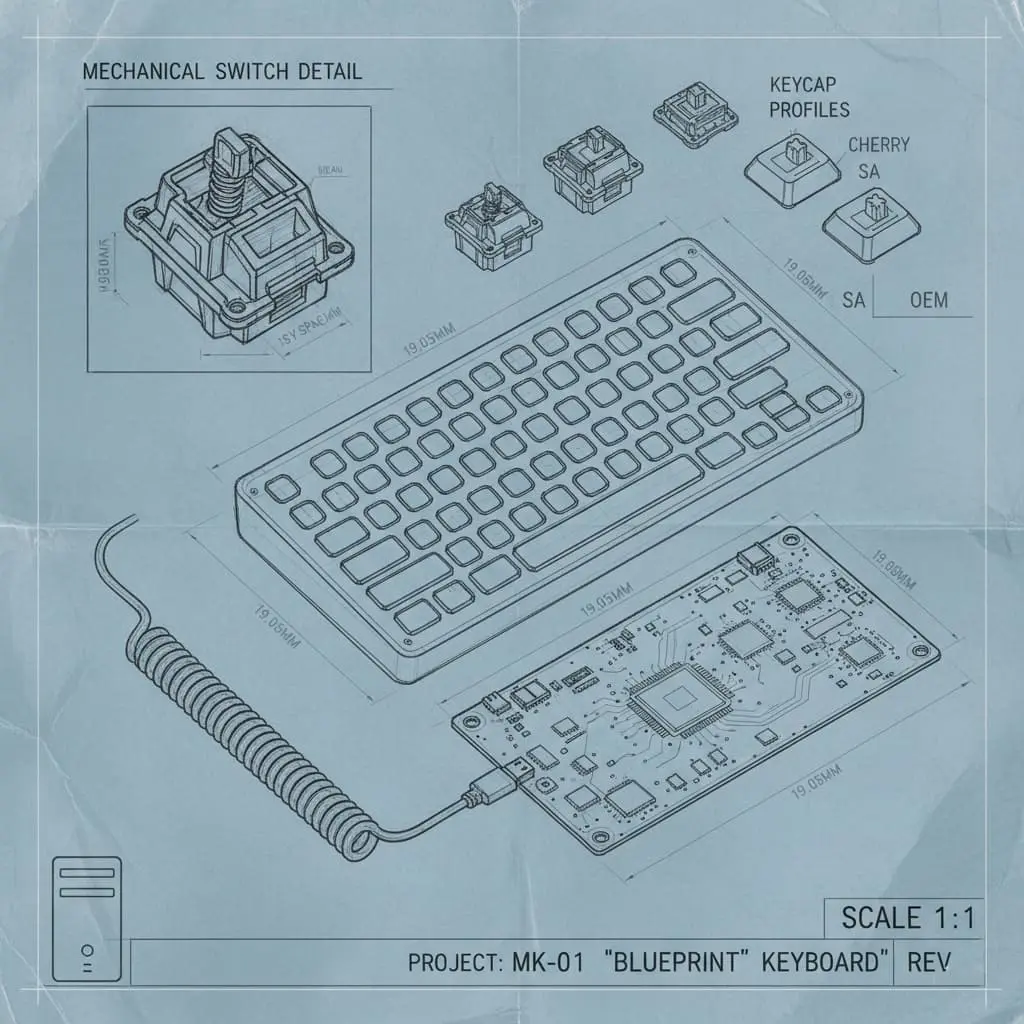

What Each Part Does
Every part in a mechanical keyboard build affects the final feel and sound differently. Understanding the role of each one helps you make better buying decisions.
The Case
The outer shell that holds everything together. Aluminum cases have a heavier, more premium feel. Plastic cases are lighter and often have more flex. Acrylic lets you see the PCB and RGB lighting.
The PCB
The brain of the keyboard. It reads each keypress and sends it to your computer. Hot swap PCBs have sockets so you can change switches without soldering. This is essential for a first build.
Switches
The mechanism under each key. Linear switches move smoothly with no bump or click. Tactile switches have a noticeable bump at the actuation point. Clicky switches add an audible click. Start linear if you are unsure.
Stabilizers
Large keys like spacebar, shift, backspace, and enter need stabilizers to prevent wobble. Lubing them before assembly is the single highest impact upgrade in any budget build.
Keycaps
The plastic caps that sit on top of each switch. PBT plastic is harder and more resistant to shine from fingertip oils. ABS plastic feels smoother but wears visibly over months of heavy use.