Make Your GTA 6 Launch Night Page (free template)
How to use this page
Read it top to bottom, then share it. Everything below is a plan you can copy for your own page, solo or with friends. Takes about 5 minutes.
Storage and download
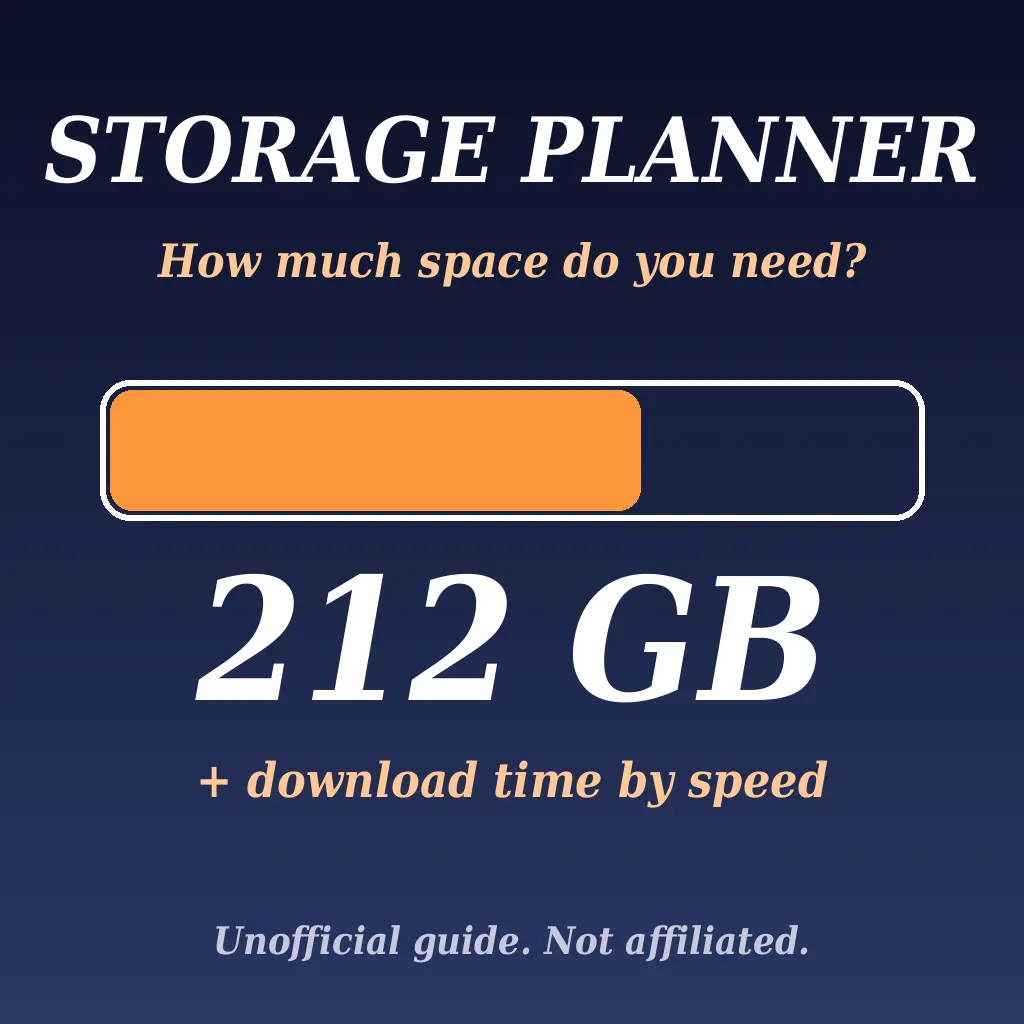
The install is up to 212 GB (Rockstar support, checked 12 Nov 2026). The day one patch size is not announced, so keep 20 to 30 GB spare. Use wired internet if you can.
Controllers, snacks and time zone
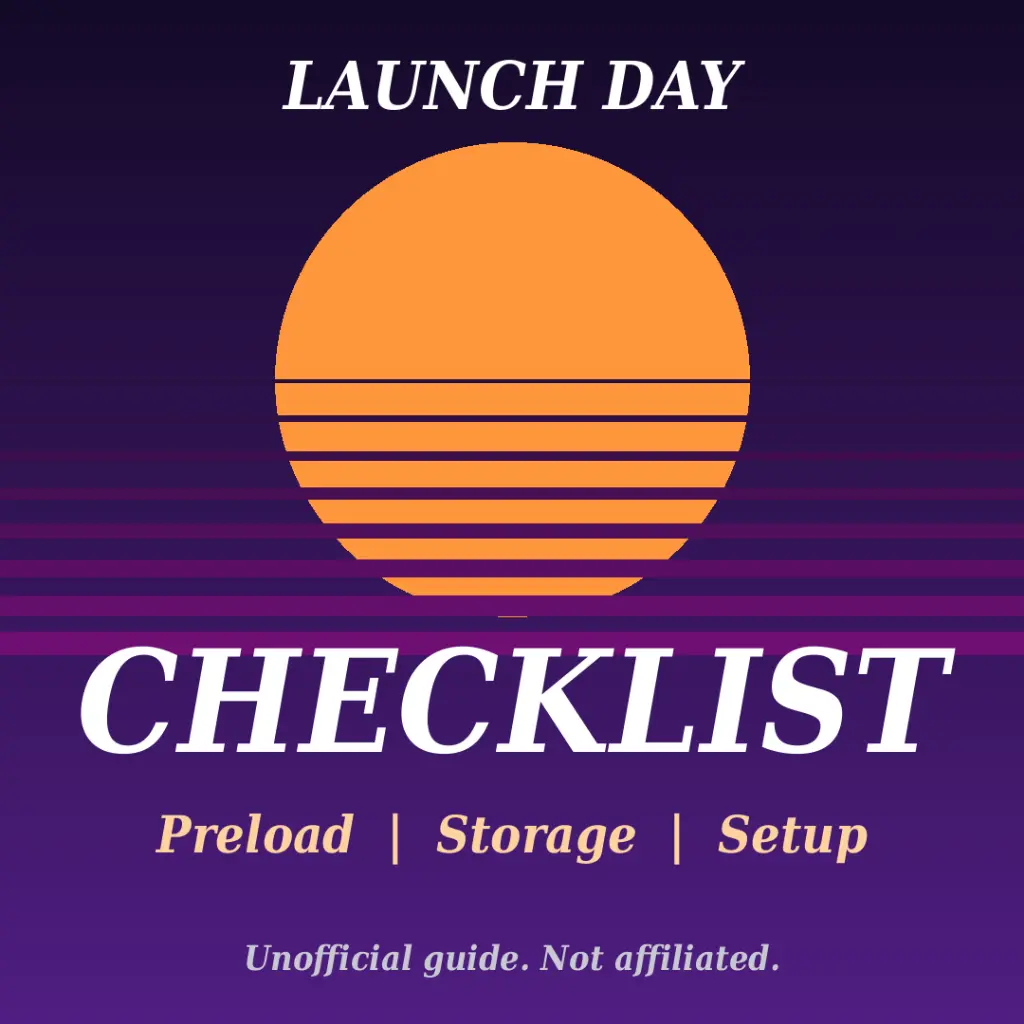
Two charged controllers or a charging dock. Easy snacks you can eat one handed. Tell friends your local unlock time, not yours in UTC. Plan a break every 2 hours.
Who plays first on launch night?
What a slate can do
This page has a live countdown, a poll your friends can vote on, a timeline and a share button. Slatesource is a free page builder: you can make your own launch night page in minutes.
About that link
It opens a free Slatesource sign-up. You do not pay. If you join through it, you join our community on Slatesource.
Want a plan made for you?
Tap to send your console, free space, speed and time zone. We reply with next steps.
Unofficial fan guide. Not affiliated with, endorsed by or sponsored by Rockstar Games, Take-Two, Sony, Microsoft or any platform. Game names are used only to say which release this guide is for.