GTA 6 Not Downloading? Fix Checklist (PS5, Xbox)
Try these in order
Launch day is busy, so slow starts are common. Start at step 1 and stop when it works. Steps come from PlayStation Support and Xbox Support help pages, and Rockstar Support points console problems to those same pages.
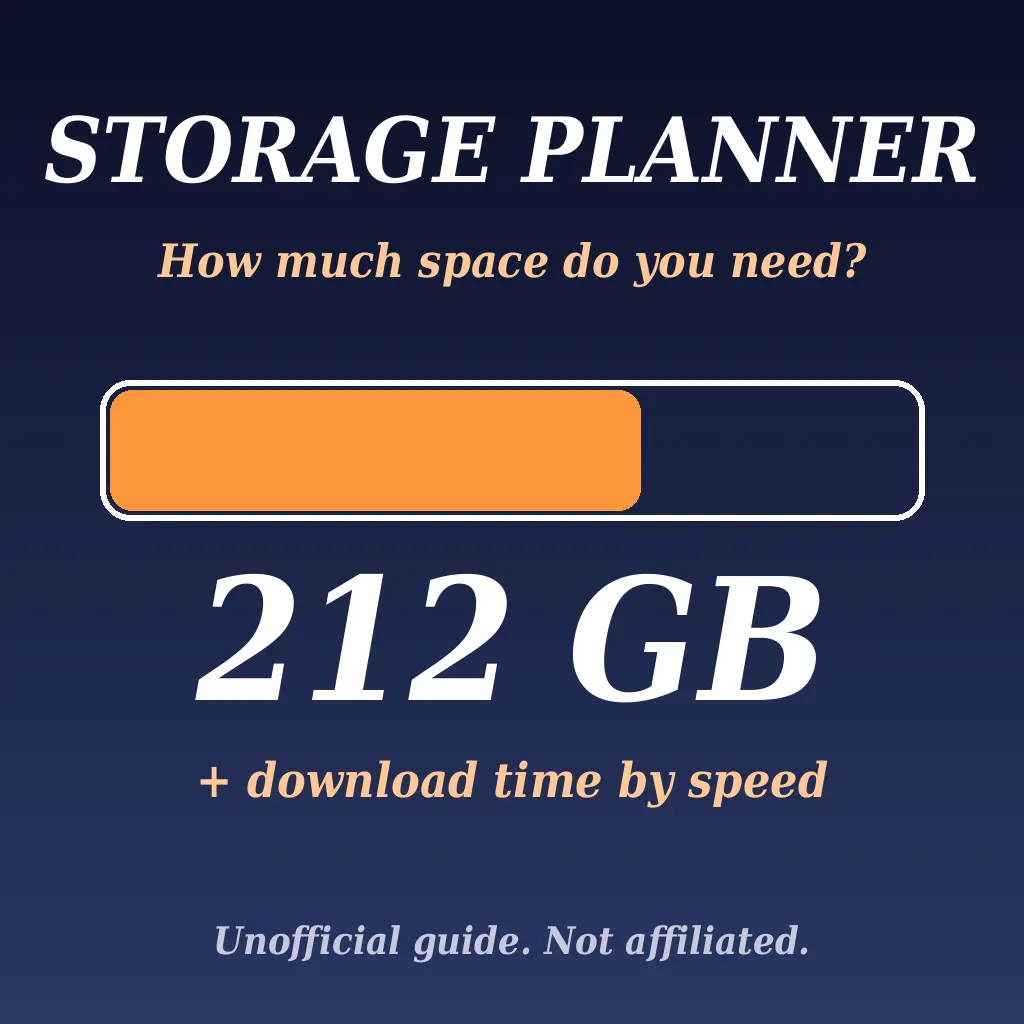
Free space needed
up to 212 GB
Release
19 Nov 2026
Platforms
PS5, Xbox Series X|S
PS5 notes (PlayStation Support)
PlayStation's help page lists: Pause then Resume in Downloads/Uploads; Cancel and Delete, then download again from Game Library; status page; system software; storage; Safe Mode.
Xbox notes (Xbox Support)
Xbox's slow download page says: pause other devices that share your bandwidth, use a wired connection or the 5 GHz band, and try an overnight download if evenings are slow. Series X|S menu names: not verified.
Pre-load reminder (Rockstar Support)
For pre-load, Rockstar says PS5 needs auto-downloads on with the console on or in Rest Mode, and Xbox Series X|S needs automatic updates on with the console on or in Sleep mode.
Not verified by us: any GTA 6 specific error codes or day one patch fixes, Xbox Series X|S exact menu paths, and whether any step is faster for you. Anything not on an official page is marked unknown here, so we do not guess.
Sources checked (12 Nov 2026)
Rockstar Games Customer Support: Grand Theft Auto VI Pre-Load FAQ. PlayStation Support: how to troubleshoot game downloads from PlayStation Store. Xbox Support: troubleshoot slow game or app downloads.
Still stuck? Tell us your console and what you see
Describe the console, free space and where the download stops. We reply with the next step to try from this list.
Unofficial fan guide. Not affiliated with, endorsed by or sponsored by Rockstar Games, Take-Two, Sony, Microsoft or any platform. Game names are used only to say which release this guide is for.